Business Security Cameras and Access Control: A Practical Guide
Compare camera and access-control quotes on procurement risk, storage maths and network design - not resolution. What the FCC Covered List means for a private business, and what it does not.
A quote for business security cameras and access control is almost always compared on the wrong axis. Buyers line up resolution, camera count and monthly cost, then pick the middle column. The three decisions that determine whether the system still serves you in year five sit elsewhere: where the hardware comes from, how much video you are quietly agreeing to store, and whether doors and cameras share one identity system on one controlled network segment. The first has become a live procurement question. Video surveillance equipment produced by Hangzhou Hikvision Digital Technology Company and by Dahua Technology Company has appeared on the FCC's Covered List since March 12, 2021.
RANGO Technologies designs, installs and maintains camera and door-access systems for small and mid-size businesses across Miami-Dade and Broward County, working out of Miami Lakes. We are a Brivo Authorized Dealer and a Ubiquiti Full Stack Professional, so we deploy both cloud-managed and on-premise platforms and have no reason to pretend one suits every building. This guide covers what that federal listing does and does not mean for a private business, how to do the storage maths before you sign anything, and why cameras and door access belong on one identity system and one dedicated network segment.
Table of Contents
- Start With Procurement Risk, Not the Spec Sheet
- Storage and Retention: Do the Maths Before You Sign
- Cameras and Doors Belong on One Identity System
- Put Both on One Dedicated Network Segment
- On-Site Recording, Cloud, or Both
- What to Do Next
Start With Procurement Risk, Not the Spec Sheet
What the Covered List actually says
The Covered List is published by the Federal Communications Commission under the Secure and Trusted Communications Networks Act of 2019, Pub. L. No. 116-124, codified at 47 U.S.C. sections 1601-1609. It identifies communications equipment and services determined to pose an unacceptable risk to United States national security. Video surveillance and telecommunications equipment produced by Hangzhou Hikvision Digital Technology Company and by Dahua Technology Company were each added on March 12, 2021.
The wording of the entry matters more than the existence of the entry. Both are listed, in the FCC's own words, "to the extent it is used for the purpose of public safety, security of government facilities, physical security surveillance of critical infrastructure, and other national security purposes." That scope is part of the listing itself, not a footnote to it.
What that means for a private business, and what it does not
It does not mean a private company breaks the law by owning a Hikvision or Dahua camera. A law firm in Doral with eight of them watching the parking lot is not committing an offense, the cameras do not switch off, and any vendor telling you otherwise is selling fear. Read the listing for what it is: a federal risk determination scoped to national-security uses, and a strong supply-chain signal for everyone else.
What it does mean is that a purchase which looks fine today can turn into a cost later. That cost rarely shows up as a fine. It shows up as a question you have to answer, a contract you cannot bid on, or a replacement project you did not budget for. That is procurement risk, and it is worth pricing at the point of purchase rather than discovering in year four.
Where the risk actually shows up
- Federal contracts and grant-funded projects. If you hold federal work, subcontract under someone who does, or expect to bid, the provenance of equipment on your walls can become something you must answer for in writing. The same applies to projects paid for with federal grant money. Answering that before you buy costs nothing; answering it afterwards can mean a rip-and-replace.
- Insurer and enterprise-customer questionnaires. Cyber-insurance applications and vendor-security questionnaires from hospital systems, financial institutions and large enterprise customers commonly ask about network-connected hardware and its manufacturers. A listed manufacturer turns a check-box into a written explanation, and sometimes into a remediation commitment with a deadline attached.
- Long-term support and firmware. A camera is an internet-connected computer that needs security updates for its whole service life. Any manufacturer whose access to the US market is contested carries a higher chance of distribution, warranty and firmware-supply disruption over a ten-year deployment. That risk is hard to quantify and easy to avoid up front.
We help you meet common cyber-insurance control requirements — often within 30 days. Coverage decisions remain with your insurer.
- Resale and building transitions. Listed equipment is harder to hand over cleanly during a lease assignment, building sale or acquisition, because the buyer inherits the questions you would have had to answer.
None of that requires panic-replacing a working system. It does mean the manufacturer belongs on the evaluation sheet next to resolution and price, and that if you already own listed equipment, you should know where it is and replace it on a normal refresh cycle rather than under pressure. The NIST Cybersecurity Framework is a workable structure for recording that decision: identify what you own, decide what you are protecting against, document the choice.
Storage and Retention: Do the Maths Before You Sign
A worked example, with every assumption stated
The figures below are an illustrative calculation, not a measurement of any particular site. Real bitrates vary enormously with scene complexity, lighting and motion, so treat this as a method you can rerun with your own numbers rather than as an answer.
Assume sixteen cameras at 4 MP, encoding in H.265, recording continuously, at an average sustained bitrate of 3 Mbps each. Sixteen cameras at 3 Mbps is 48 Mbps of continuous video. Over one day that is 48 megabits per second across 86,400 seconds, which is 4,147,200 megabits, or roughly 518 GB per day.
| Retention window | Recorded video at 48 Mbps | What that usually means |
|---|---|---|
| 14 days | about 7.3 TB | fits on a small recorder |
| 30 days | about 15.6 TB | purpose-built recorder with parity |
| 60 days | about 31 TB | storage is now a real line item |
| 90 days | about 47 TB | dedicated appliance or a cloud tier |
Those numbers are recorded video, not disks purchased. Add redundancy, filesystem overhead and free space so the array is not running at capacity, and a reasonable planning figure is around one and a half times the recorded volume in raw disk. If a proposal promises 90-day retention on 16 cameras from a 12 TB recorder, the maths is being done somewhere you cannot see it, and usually the answer is a much lower bitrate, a lower frame rate, or motion-only recording.
What actually moves the number
- Continuous versus motion-triggered recording. Motion-only recording can cut storage substantially in a quiet warehouse and save almost nothing in a busy retail entrance. It also introduces the possibility of missing the seconds before the event, which is often the part you need.
- Scene complexity. A fixed camera looking at a still corridor compresses beautifully. One pointed at a palm tree moving in the wind, a rain-soaked parking lot at night, or a busy street produces far more data from identical hardware.
- Resolution, frame rate and codec. Doubling frame rate does not usually double storage, but it moves it meaningfully. H.265 typically uses considerably less space than H.264 for the same scene, provided every device in the chain supports it.
- Audio. Audio is small in storage terms and large in legal terms. Treat it as a separate decision, not a default.
Choosing a retention window
Work backwards from how long an incident takes to surface rather than picking a round number. A slip-and-fall notice can arrive weeks after the fall. Inventory shrink is often discovered at a month-end count. An HR dispute may be raised long after the conversation. If your typical discovery lag is three weeks, 14-day retention is a system that will fail you at the moment you need it.
Contracts, industry rules and insurance requirements can also set minimums, and recording carries obligations that vary by state and by whether audio is captured. Florida law treats audio recording differently from video. Set your retention period and your audio policy with qualified counsel, then build the storage to match it, not the other way round.
Cameras and Doors Belong on One Identity System
The offboarding problem
A common physical-security failure is not a camera blind spot. It is a credential that was never revoked. When door access lives in one system with its own user list, video in a second and the alarm panel in a third, none tied to the directory governing email and file access, offboarding becomes a checklist somebody eventually forgets. A departed employee keeps a working badge, and nobody notices until the badge is used.
Tying door access to the same identity source as your business accounts turns offboarding into a single action. Disable the person in the directory and the badge, the app-based credential and the video-review login all go with it. That is the strongest practical argument for choosing an access-control platform on the basis of what it integrates with, rather than what the reader on the wall looks like. Our access control work starts from that question, and the technical walkthrough of UniFi Access covers how a modern credential actually unlocks a door.
Correlating a badge event with a frame of video
The second reason to unify is investigation speed. An access-control log tells you a credential opened the rear door at 6:42 p.m. A camera tells you who walked through it. Kept separate, joining those two facts means exporting a log, converting timestamps, and scrubbing through footage on a different console with a different clock. Kept together, it is a click from the event to the clip.
That only works if the clocks agree. Both systems should synchronize to the same time source, and the video system's retention has to be at least as long as the period you would realistically investigate. An access log that goes back a year and video that goes back ten days is a system that can tell you something happened and never show you what.
Put Both on One Dedicated Network Segment
A camera is an untrusted computer
Every camera, intercom and door controller is a small networked computer running vendor firmware, typically installed once and rarely touched again. CISA's #StopRansomware Guide is direct about the exposure: "Regularly patch and update software and operating systems to the latest available versions," with regular vulnerability scanning aimed particularly at internet-facing devices. Physical-security hardware is frequently the least-patched equipment in a building and the most likely to have been given an inbound port on the firewall so someone can watch the feed from home.
Putting that hardware on the same flat network as workstations, servers and point-of-sale terminals means a compromised camera has a path to everything. Segmentation is the control that limits the blast radius, and it costs configuration time rather than hardware. CISA's guidance for small businesses makes the same point in plainer language: prevention alone is not the whole program, so design for containment.
What a good segment looks like
- Its own VLAN, with the cameras and door controllers on it and nothing else. Workstations do not belong there and neither do printers.
- No inbound port forwarding to a recorder or controller. Remote viewing should go through the manufacturer's cloud relay or a VPN, never a port opened directly to a recorder on the public internet.
- Outbound rules that are specific. Cameras generally need to reach the recorder, a time source and, if cloud-managed, the vendor service. They do not need general internet access.
- Management interfaces on the admin network, with unique credentials. Default passwords on cameras remain one of the most reliable ways into a small business network.
- Power and switching designed for the load. PoE budget, uplink capacity and UPS runtime are part of the security design, because a camera with no power records nothing. Our network administration work treats the camera VLAN as part of the network build rather than an afterthought, and the wider control set is covered on our cybersecurity services page.
On-Site Recording, Cloud, or Both
The trade-off in one paragraph each
An on-site recorder gives you the lowest ongoing cost, no dependence on your internet circuit for recording, and full local control of the footage. It also gives you a single appliance that can be stolen, flooded or fail, firmware you have to maintain yourself, and remote access you have to design carefully.
Cloud-managed video removes the appliance-maintenance burden, keeps footage off site by default, and makes remote review straightforward. The trade-offs are a recurring subscription, upstream bandwidth consumption during the working day, and retention that is priced per camera per day, which is where the storage maths above turns directly into monthly cost.
What we usually recommend
For most small and mid-size offices, clinics and warehouses in South Florida, we recommend cloud-managed door access paired with on-site or hybrid video recording. Door access benefits most from cloud management, because credential changes and offboarding need to work from anywhere and the data volume is trivial. Video benefits most from recording locally, because bandwidth and retention costs scale with camera count and a storm that takes out your circuit should not take out your recording. A hybrid recorder that keeps everything locally and pushes flagged events to the cloud gets you both. If you want the full picture on system design and installation, see our security camera installation page.
What to Do Next
Three things are worth doing this month, regardless of who installed your system. Inventory what you own, including manufacturer and model, so the Covered List question has a documented answer. Check what your actual retention is today rather than what the proposal said, by opening the oldest recording you can find. And find out whether your cameras sit on the same network as your workstations, which takes an engineer about ten minutes to confirm.
If you would like that done properly, RANGO Technologies is BBB A+ Rated with a 5.0-star Google rating, and our team is entirely local to South Florida. Request a free IT assessment and we will document your camera and access hardware, calculate your real retention, review network segmentation, and tell you which findings need money and which need only configuration. Find us at 14100 Palmetto Frontage Rd, Suite 108, Miami Lakes, FL 33016, or call (305) 901-8990, Monday through Friday, 8:00 AM to 5:00 PM ET.
This article provides general information, not legal or insurance advice. Consult qualified professionals regarding your specific obligations and coverage.
Contact RANGO Technologies. A senior engineer reviews what is actually exposed and walks you through a plain-English scorecard. Request takes about 15 minutes. No obligation.
Contact RANGO TechnologiesContact RANGO Technologies
Form, not a calendar. A senior RANGO engineer reviews your environment and sends a plain-English scorecard. No obligation.
Related posts

UniFi Access Control Miami: Secure Office Entry Solutions
The lost keycard, the ex-employee who still has a fob, the front door that fails in a summer storm — legacy access control creates daily risk for Miami offices. Here is how UniFi Access modernizes office entry, and what it takes to install it right…
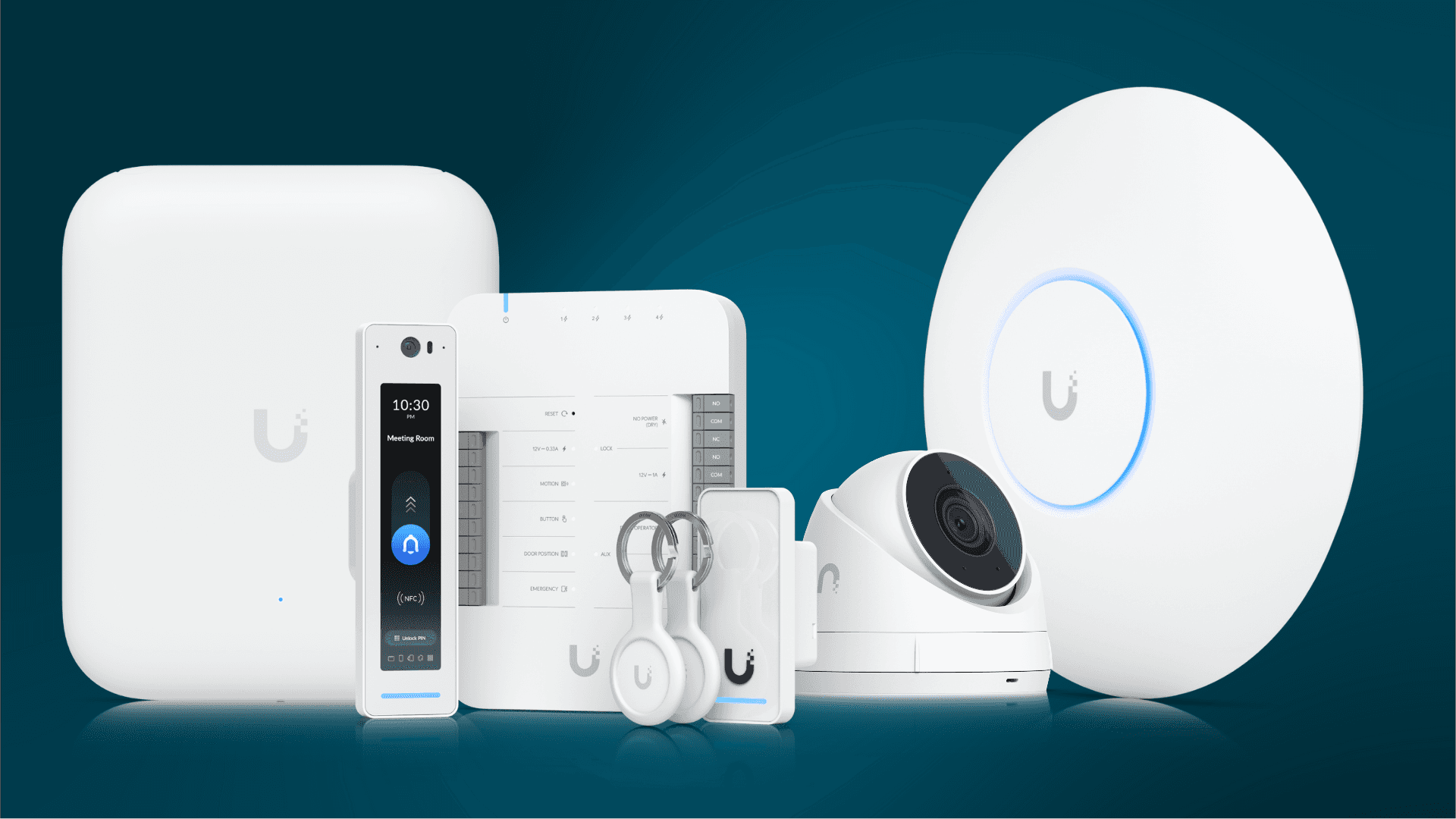
Get Better Wi-Fi, Cameras, and Access Control with UniFi
A hardening pass for a UniFi deployment that is already in: firmware, admin accounts and SSO, console exposure, VLANs for guest, IoT, POS and cameras, WPA3, and what one console does not consolidate.
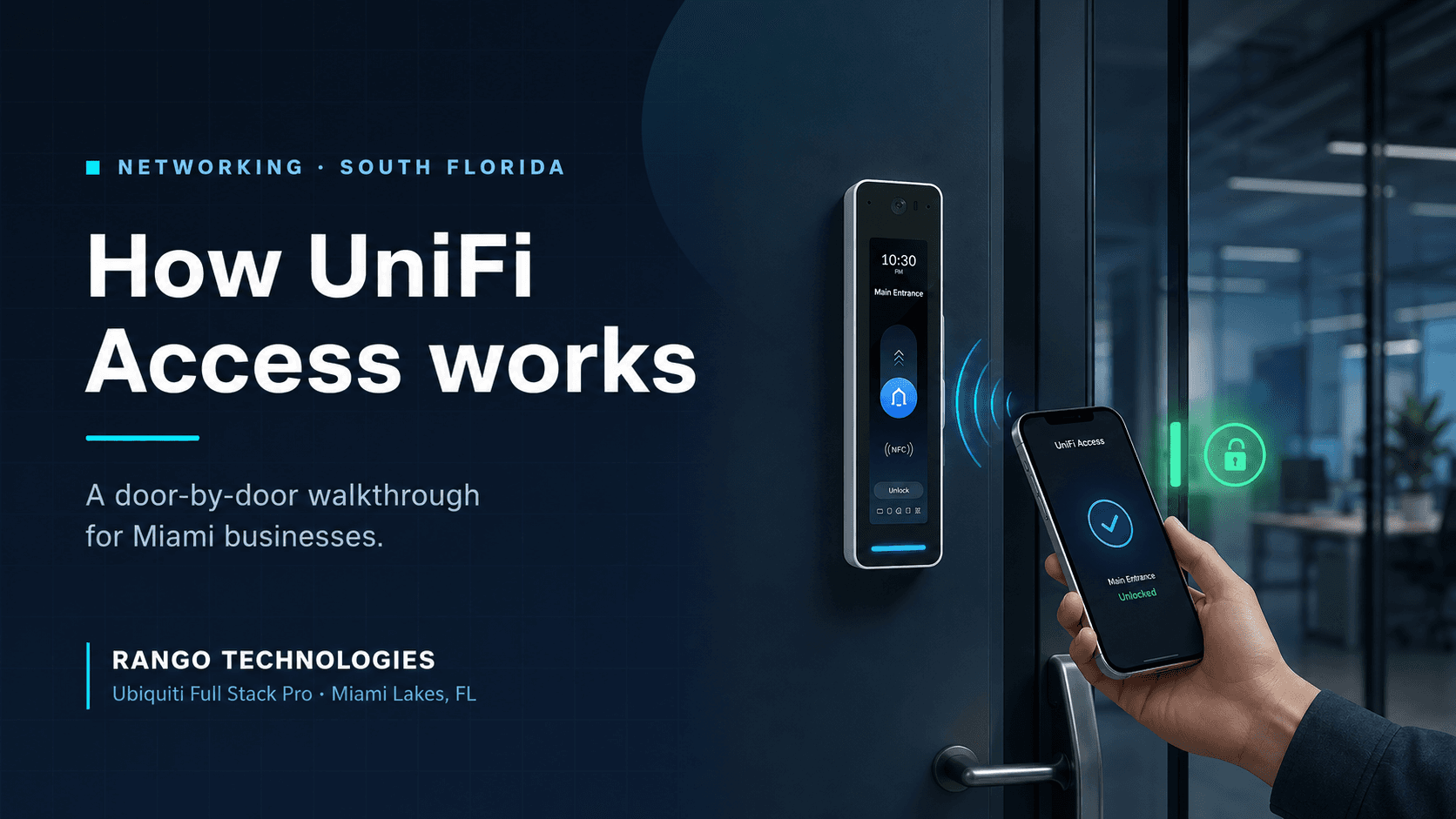
How UniFi Access Works: A Door-by-Door Walkthrough for Miami Businesses
Most business owners approve access control without ever seeing how it works. This is the walkthrough — what happens in the second after someone taps a phone on the reader, what you see in the dashboard, what happens when an employee is terminated at 4:58 PM on a Friday, and what the whole thing actually costs.